EnergyMonitor
Track your consumption.
Record electricity, gas and water meter readings. Manage contracts and instalments and review consumption and costs. Additional sections cover photovoltaics and vehicles.
Not yet released
EnergyMonitor ↗EnergyMonitor records meter readings, consumption and energy costs. BudgetMonitor manages income, expenses, accounts and budgets.
Explore apps ↗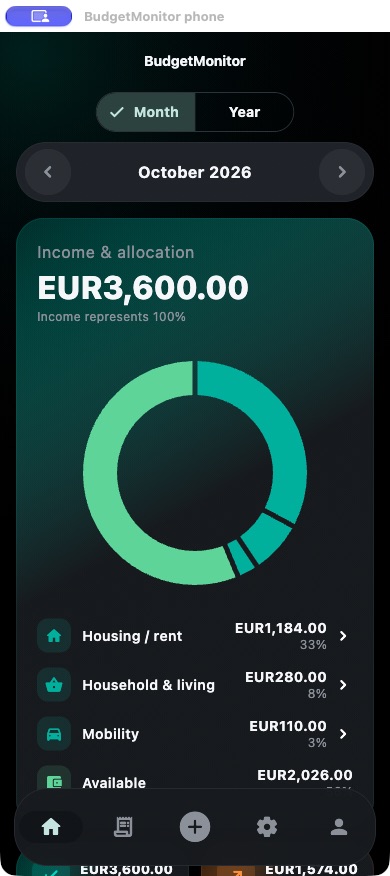
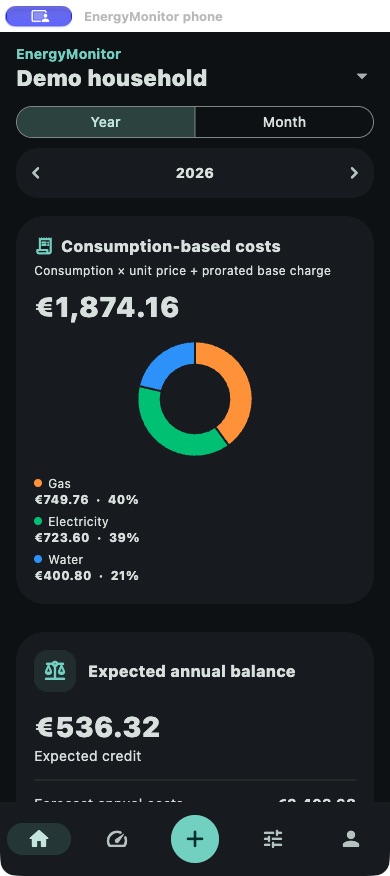
Real app captures in dark mode with synthetic sample data, matching the selected language.
EnergyMonitor & BudgetMonitor
Record electricity, gas and water meter readings. Manage contracts and instalments and review consumption and costs. Additional sections cover photovoltaics and vehicles.
Not yet released
EnergyMonitor ↗Record income and expenses, manage accounts and categories, and plan budgets. Keep track of savings goals, loans and reports.
Not yet released
BudgetMonitor ↗Real app captures in dark mode with synthetic sample data, matching the selected language.
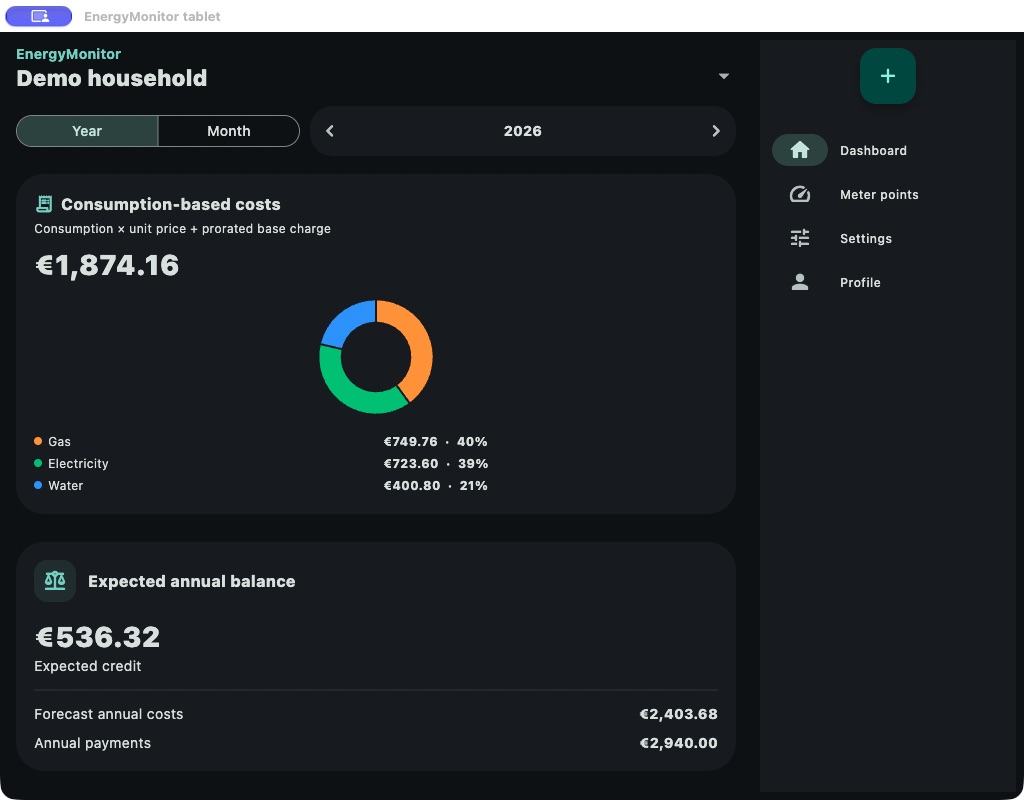
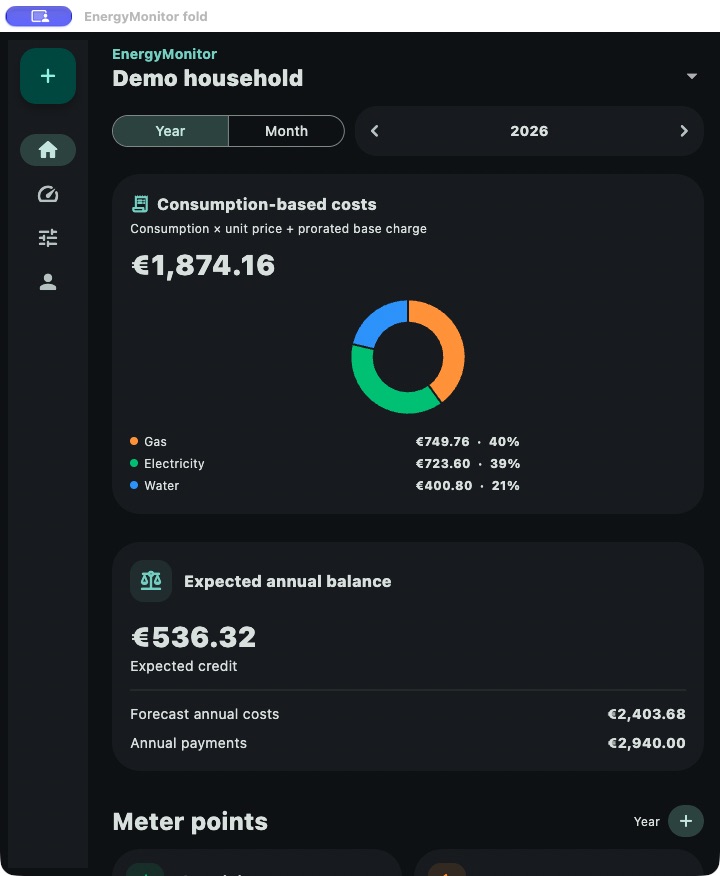
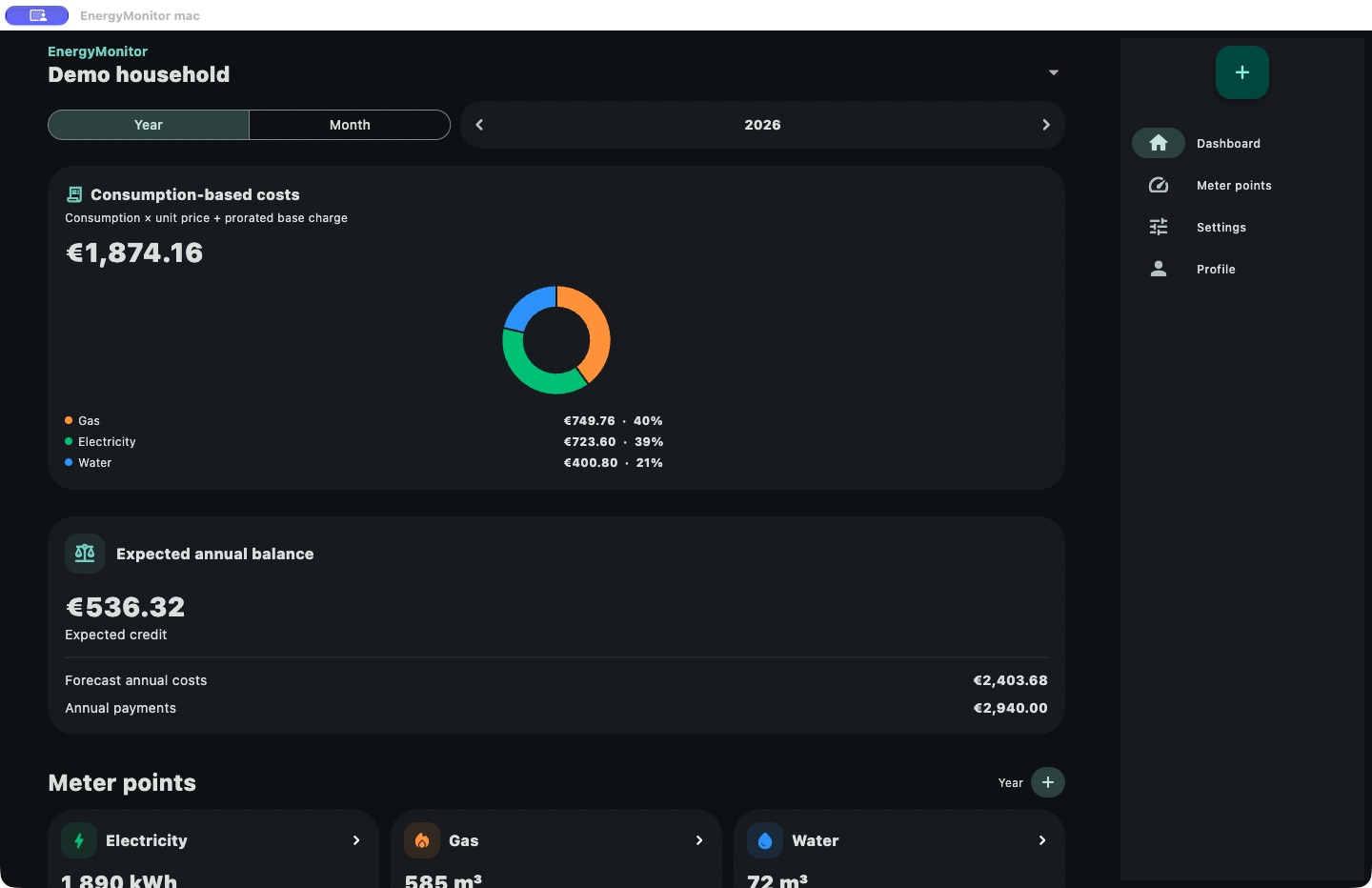
Phone, tablet and foldable views show the real app in matching window sizes of the native Mac version. They are not Android hardware captures or a promise of store availability.
Real app captures in dark mode with synthetic sample data, matching the selected language.
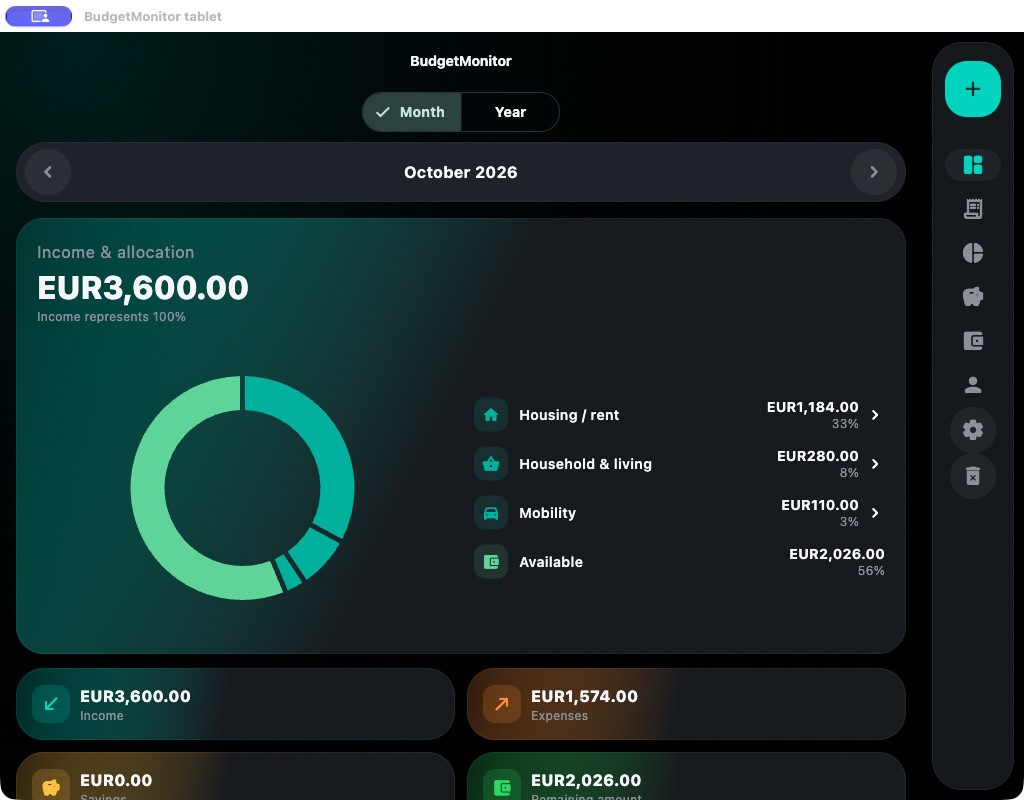
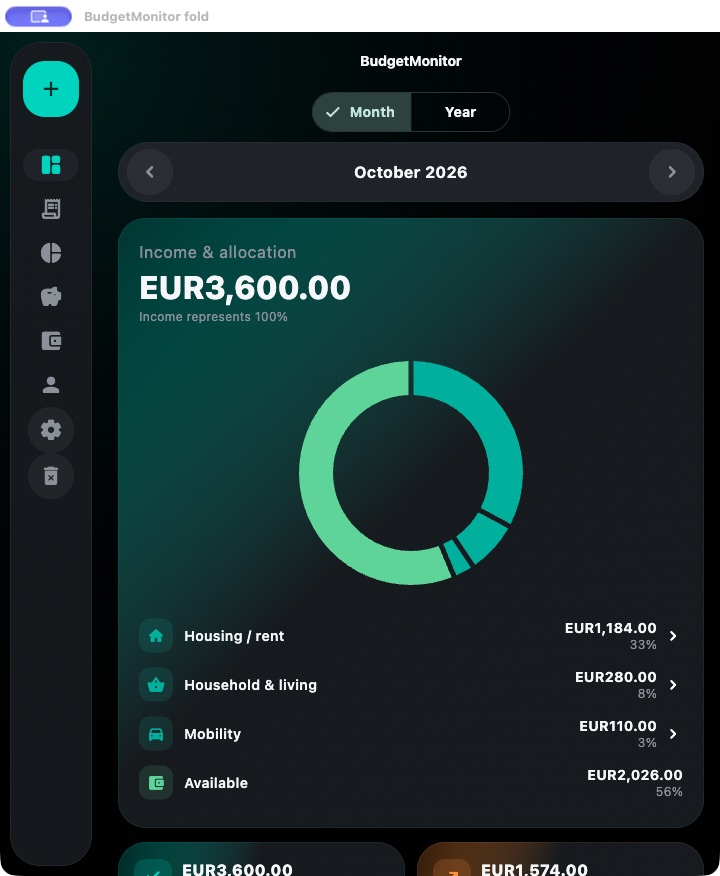
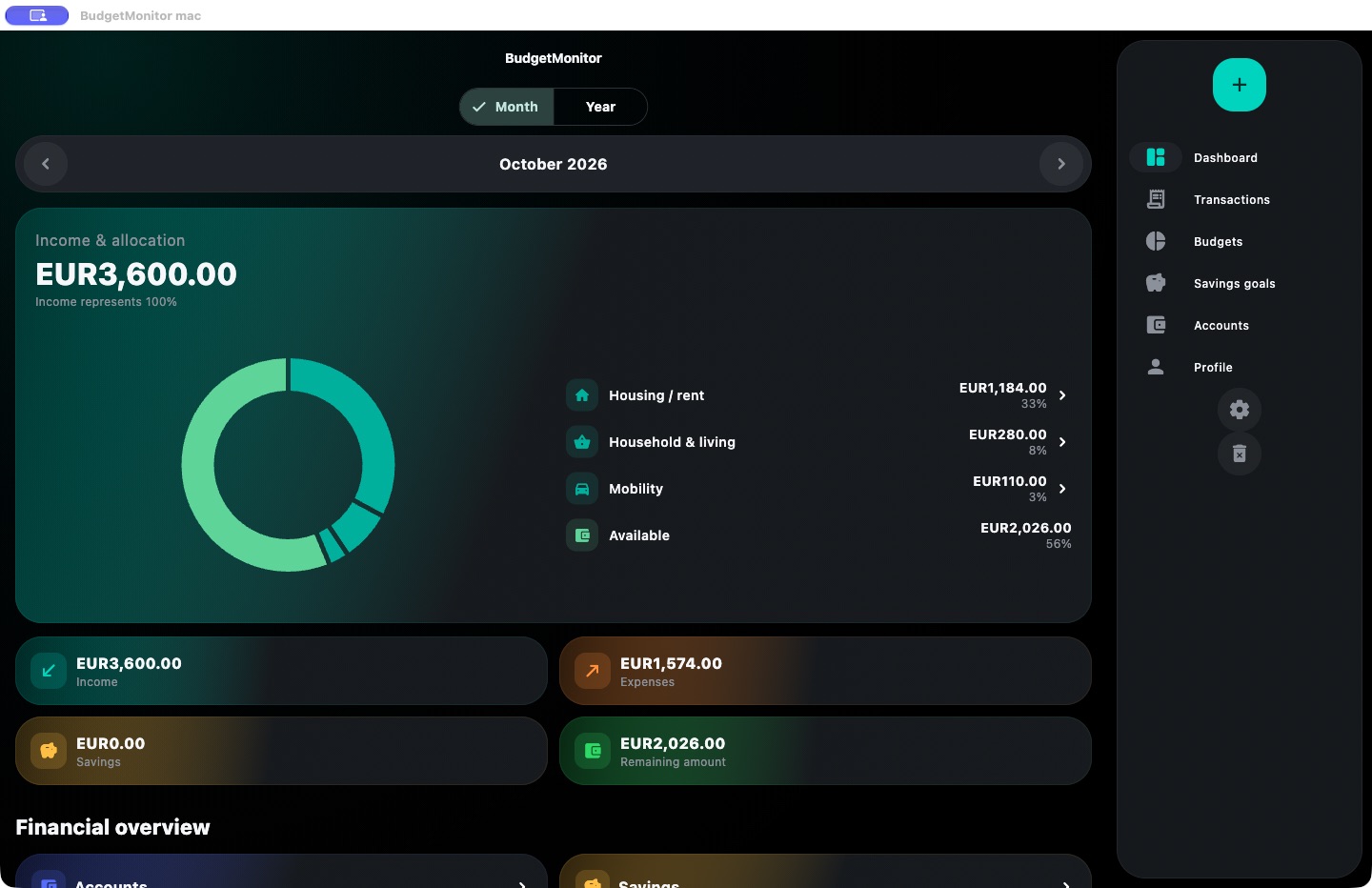
Phone, tablet and foldable views show the real app in matching window sizes of the native Mac version. They are not Android hardware captures or a promise of store availability.
This website uses no analytics or advertising services, embedded social networks or externally loaded fonts.
Privacy ↗The apps have not been released yet. Download links will be available on each app page after release.
Prices and purchase options will be announced with each store release. No purchases are available on this website.
Export, backup, restore and deletion are available in each app’s settings. Check a backup before deleting data. Delete previously exported files separately from their storage location.
Forecasts use recorded data and assumptions. They do not replace provider bills or financial advice.
Describe the app, version, operating system and steps to reproduce the issue. Do not send passwords, full backups or personal financial data.
rvs.software.support@gmail.com